Strix Sentinel
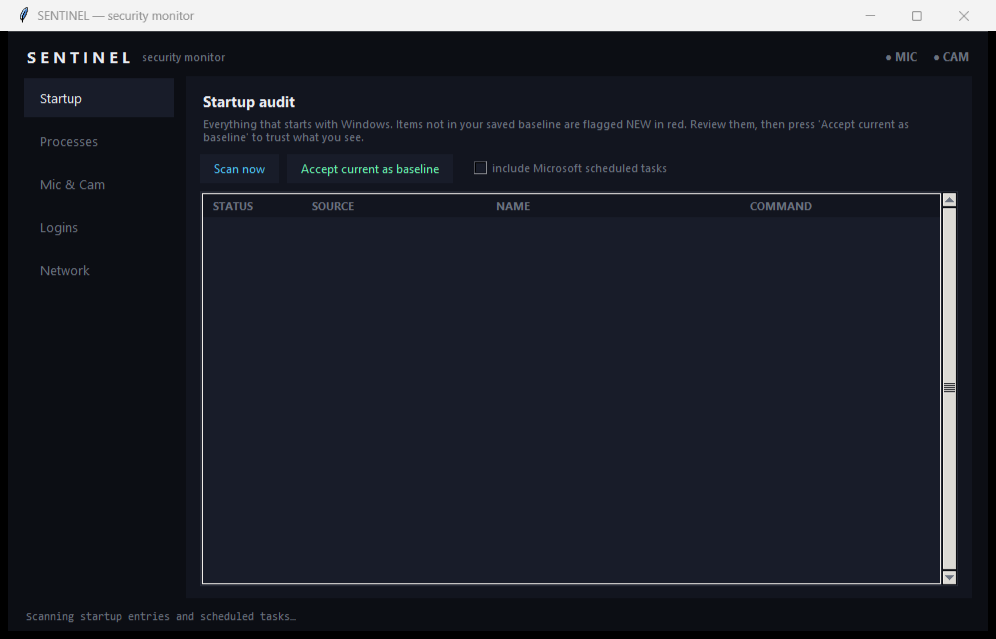
Strix Sentinel is a free, open-source, offline security monitor for Windows and Linux that audits what starts with your machine, watches new processes, detects microphone/camera use, audits logins and flags unknown devices on your network — with no network egress of its own.
A local, offline watchdog that answers five questions: what starts with your machine, which new processes appear, which app is using your microphone or camera, who has logged in, and which unfamiliar devices are on your network. A dark, focused GUI on Windows; a scriptable CLI on Linux. Nothing ever leaves your computer.
- Price
- Free — open-source (MIT)
- Platforms
- Windows, Linux
- Category
- Security
- Built with
- Python
- Open-source alternative to
- Sysinternals Autoruns + Process Monitor (combined), closed-source endpoint monitors
- Telemetry
- None — fully offline
- Updated
A look inside
What it does
- Startup audit that flags anything new since your approved baseline
- Real-time watch for newly launched processes, with full executable paths
- Detects which application is currently using your microphone or camera
- Login audit and a local-network guard that flags unknown device MACs
What Strix Sentinel deliberately does not do
- It is not an antivirus or EDR — it surfaces changes for you to judge; it never quarantines or blocks.
- It never sends any data off your machine.
- The Linux edition is a scriptable CLI by design (no GUI).
Installation
🪟 Windows
Download the setup wizard and run it — Start-Menu shortcuts and an uninstaller are created for you.
🐧 Linux (Ubuntu / Debian)
sudo apt install ./strix-sentinel_1.0.0_all.deb
sentinel all
Frequently asked
Does the login audit need admin rights?
Yes — reading the security log needs Administrator on Windows and root on Linux. Every other check runs unprivileged.
Is there a Linux GUI?
The Linux edition is a clean command-line tool by design — it runs headless and over SSH, which suits a security monitor. It shares the same tested detection core as the Windows GUI.